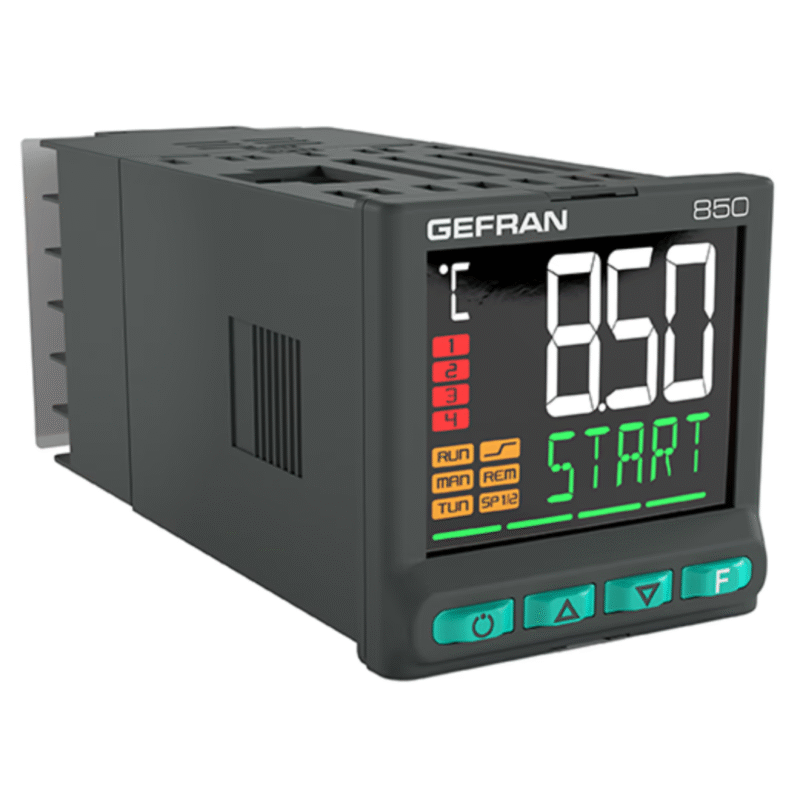
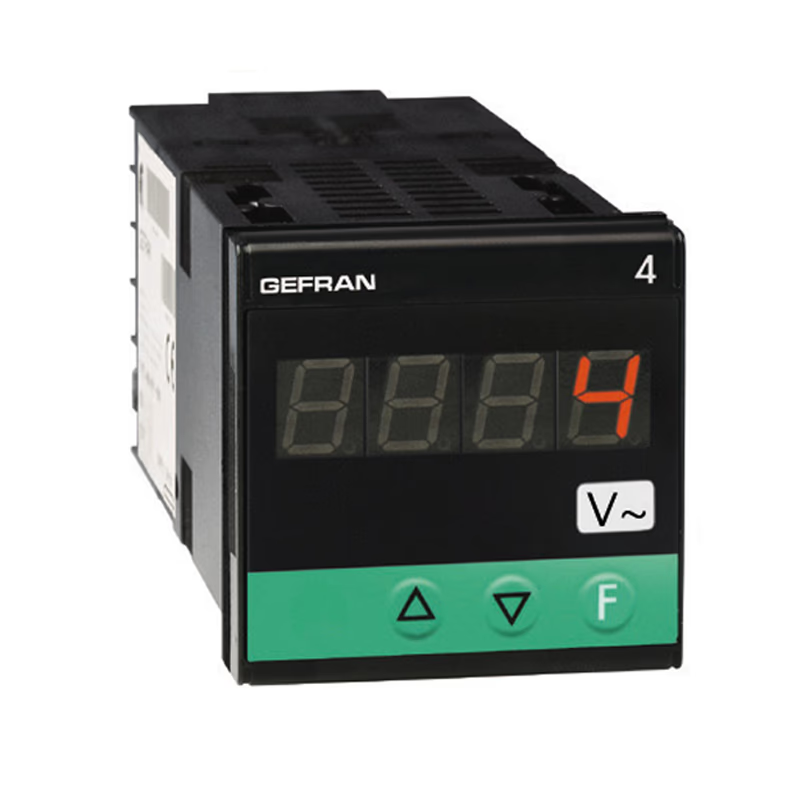
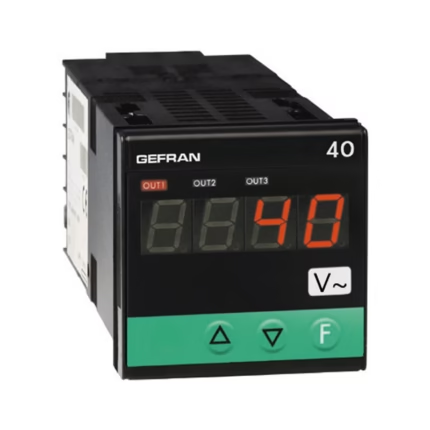

4A48-96
Indicator/Alarm Unit for tension and current inputs
Main features
- AC voltage, AC current direct input on instrument terminals
- Protected by a personal code
- Configurable by serial link
Available resources
Brochure
– Indicators, Alarm Units
– Gefran product range brochure
Datasheet
– 4A48-96 datasheet
Installation Handbook
– EXP-DN-ADV20/50, DeviceNet expansion module (Instruction sheet)
– EXP-LWK-ADV20/50, LonWork expansion module (Instruction sheet)
– EXP-PDP-ADV20/50, Profibus expansion module (Instruction sheet)
– EXP-CAN-ADV20/50, CANopen expansion module (Instruction sheet)
– BU-2/4_ADV20/50, Brake modules
– Memory KB-ADV20/50, Digital keypad
– USB/RS485 ADV20/50, Communication Interface
User Manual
– 4A48-96 – Installation and Operation Manual
– GF_EXPRESS README
– GF_eXpress UserGuide
Configuration Software
– CATALOG VER. 3.2.0
– GF_EXPRESS VER 2.1.54
Certifications
– UK Conformity declaration – 4A48
– UK Conformity declaration – 4A96
– EAC CERTIFICATION
– UL Certifications – UL – 1600 – 1800 – 40TB – 600 – 400 – 4A96 – 40A96 – 4F96
Technical specifications
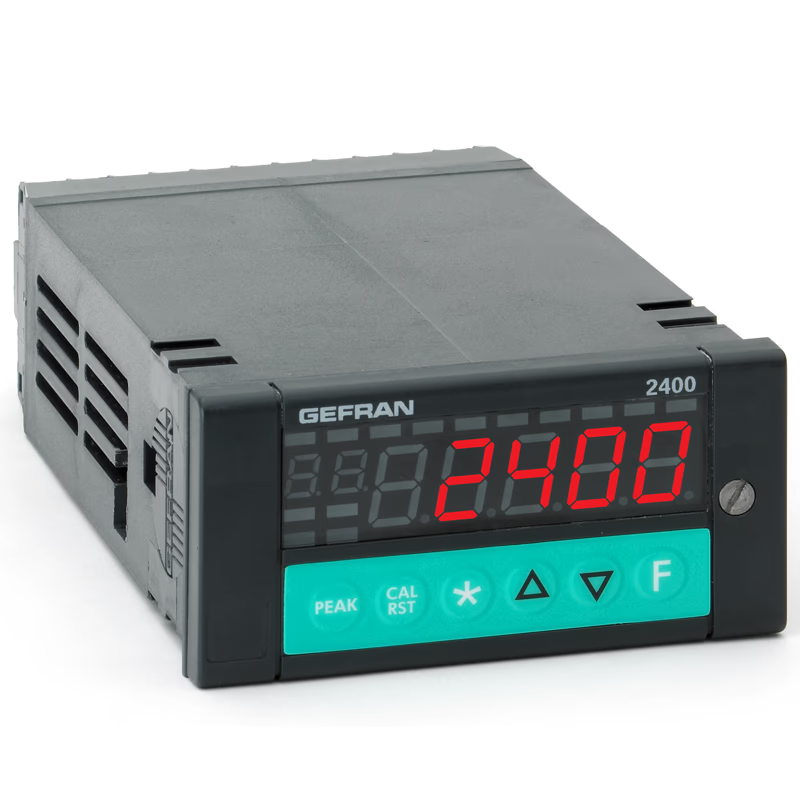
Microprocessor based indicator in both 48×48 (1/16 DIN) and 96×48 (1/8 DIN) formats manufactured with SMT.
The instruments have a lexan membrane faceplate (guaranteed to IP65) which has 3 keys, a 3-digit display for the 48×48 format or a 3 / 4 digit display for the 96×48 format.
The input signal section provides for the visualisation of the sinusoidal effective value corresponding to following signals:
- AC voltage: 0 to 2, 0 to 20, 0 to 200 and 0 to 500Vac
- AC current: 0 to 20, 0 to 50, 0 to 200mAac 0 to 1, 0 to 5Aac
The selection is made using the faceplate keys and correct input terminals.
No external shunt or adapter is required.
The programming of the instrument is made easy by grouping the parameters in function blocks and by a simplified data entry menu.
The configuration can be simplified even further using the PC programming kit made up of a connection cable and a menu guide program that runs under Windows (see data sheet cod. 80021).
A configurable personal software protection code (password protection) can be used to restrict the levels of editing and displaying the configuration parameters.